
Ever wondered if a mix of photos can set off a burst of creativity? When you arrange your snaps into a lookbook, your images come together like pieces of a fun puzzle, telling your very own style story. This guide walks you through setting a clear goal, collecting those standout pictures, and putting them in a cool layout. Ready to turn your creative ideas into a vibrant showcase that really speaks to your audience?
Curated Lookbook Creation: Step-by-Step Process
A digital lookbook is basically a handpicked collection of striking images that show off your products or creative ideas in real-life settings. Unlike a typical catalog that dives into technical details, a lookbook tells a story, imagine complete outfits or room setups that capture a vibe. It’s perfect for driving sales, guiding team discussions, or even serving as a training tool. This seven-step guide is here to help you turn your creative spark into a dynamic narrative. If you want to dig deeper, check out the "lookbook definition" link.
Step 1: First, figure out the purpose and target audience for your lookbook. Are you aiming to wow customers, inspire your team, or spark creative ideas? Knowing the why and who sets a solid foundation.
Step 2: Next, sketch out a fun and original concept that fits your brand. Think of it as creating a mini-story that does more than just showcase products, it brings them to life.
Step 3: Then, gather your lifestyle photos. Pick clear, high-quality images that feel genuine and match the lookbook’s vibe. Use a mix of angles and settings to really tell the story.
Step 4: Organize your images in a way that flows naturally. You might group them by season, outfit type, or mood, anything that helps your audience follow along effortlessly.
Step 5: Now, design your layout with care. Use a tidy grid and plenty of white space to keep it fresh. Pay attention to fonts and colors so everything feels balanced and easy to read.
Step 6: Edit your content by fine-tuning the order of images and text. Make sure every element supports your overall idea and the story flows smoothly.
Step 7: Finally, publish your lookbook either digitally or in print, and take a close look at how your audience interacts with it. Their feedback is a goldmine for making your next edition even better.
Each step fits together like pieces of a puzzle, transforming your creative vision into an engaging, shoppable narrative that truly connects.
Crafting Your Curated Lookbook Concept and Theme
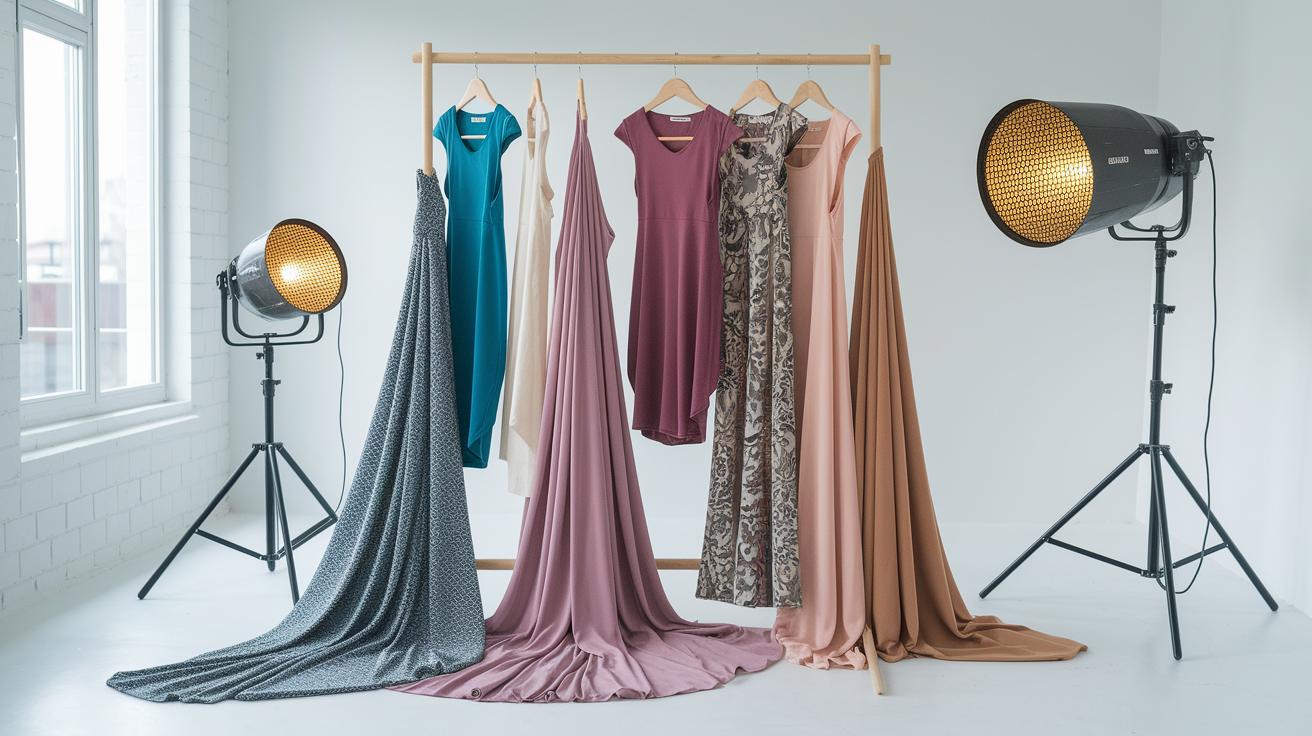
Every great lookbook starts with a clear, creative vision. When you nail down a theme, be it seasonal vibes, special events, or your unique brand style, you set the tone for every outfit and accessory. This clear focus makes sure every image, detail, and backdrop stays true to your vision, turning your lookbook into something both stylish and intentional.
Having a defined theme also makes your creative process smoother. When you know exactly what message you want to send, styling and layout become a fun challenge rather than guesswork. It’s like turning a brainstorming session into a guided journey where your personality really pops out in every shot. Plus, clear direction from the start makes transitioning your ideas digitally feel as satisfying as watching a sketch turn into a masterpiece. For a closer look at that process, check out this article: https://leblooms.com?p=1747.
Step 1: Theme Selection
Take some time and try a bit of freewriting or mind mapping. Scribble down your ideas on paper and see which themes naturally match your fashion vibe. Sometimes, the best ideas are the ones that come when you just let your thoughts flow.
Step 2: Moodboard Creation
Next, look for some visual sparks using tools like Pinterest or InDesign. Create a mood board that pulls together colors, textures, and silhouettes that catch your eye. This board becomes your visual draft, guiding you with inspiration for everything from fabrics to mood.
Linking your chosen theme with each final image makes your lookbook not only cohesive but also super eye-catching.
Strategic Image Selection and Organization for Curated Lookbooks
High-quality images are the heartbeat of any stylish lookbook. Every picture should pop with its own unique vibe and crystal-clear resolution, inviting viewers to feel the mood of your collection without any distractions.
- Consistent lighting
- Varied angles
- Accessory highlights
- Balanced negative space
- Top-notch resolution
- Thematic consistency
When you line up your shots to tell a visual story, start with a bold lifestyle image that sets the scene, like that first sip of coffee that wakes you up to a great day. Then, follow up with detailed shots that capture the texture of fabrics and the sparkle of accessories. Grouping these images by season, outfit type, or overall mood is like mapping out a stylish journey for your audience, mixing full-body views with close-ups to showcase how every piece comes together in a complete narrative.
Next, think about how the order of images can boost your story. A clever sequence can build excitement. For instance, put a standout ensemble next to a detailed shot of an eye-catching accessory. This not only highlights a chic outfit but also keeps the color story and lighting on point throughout the lookbook. Crafting this visual flow is like writing a story where every page reveals a new layer of style, keeping your audience engaged from start to finish.
Styling Layout Tutorial: Designing the Lookbook Framework
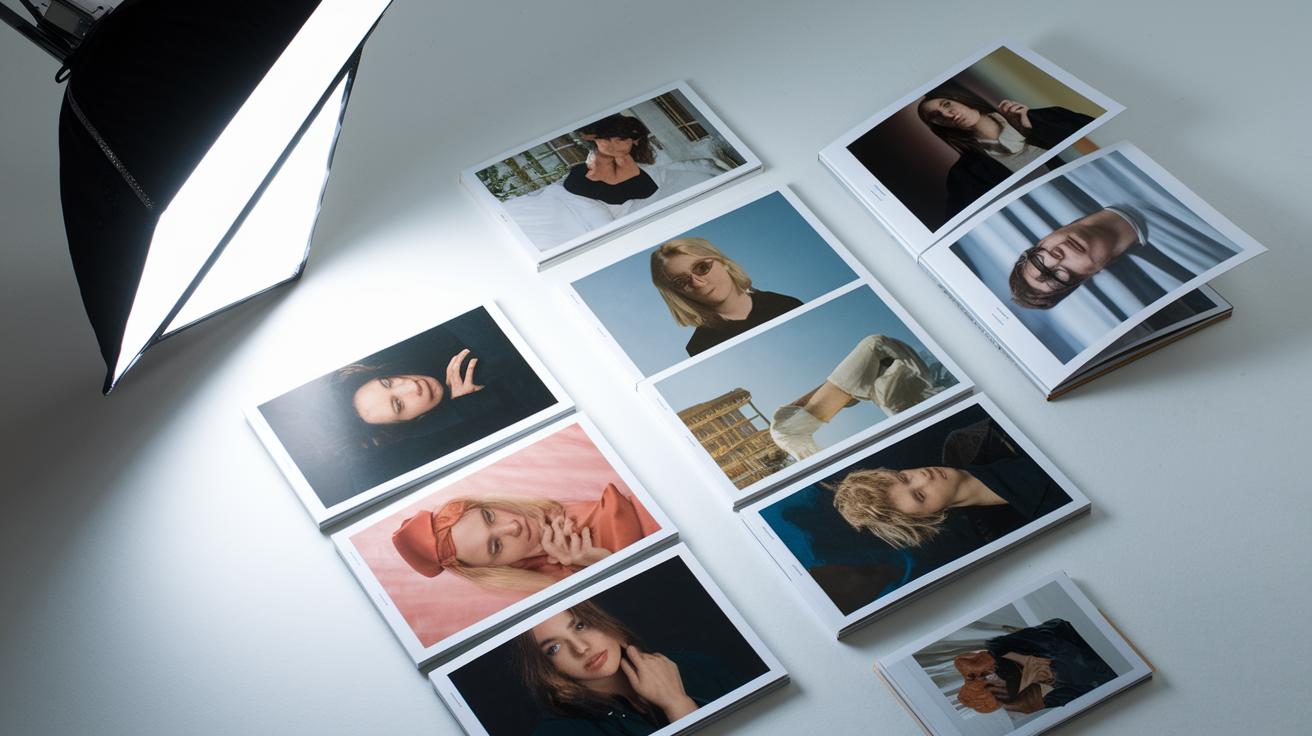
When you're setting up a lookbook, it all starts with a smart layout that shows off your style vision. A grid system acts like the backbone, keeping your photos in line while letting white space help each image breathe. A clean grid brings calm and class, making every detail feel just right.
Play around with spacing so every picture gets its moment while adding to the overall story. Use a refined grid and keep margins even, so your pages feel open and welcoming. A soft color filter or a matching color theme can tie different images together for a striking, unified look.
A bold touch can make a big statement. Try adding clear lines or simple shapes to highlight key parts of your design without taking away from your visuals. And when it comes to fonts, less truly is more. Stick to one or two styles that boost your message and keep your lookbook stylish and easy to read.
| Layout Element | Best Practice |
|---|---|
| Grids | Use a clean grid system to align images and create a visual rhythm. |
| Typography | Opt for clear fonts and uniform size to boost readability. |
| Color Grading | Apply a unified color treatment that enhances the mood and consistency. |
| Graphic Motifs | Add simple geometric shapes or lines to emphasize key design features. |
Keeping design consistency across all pages is key. Stick with your grid, color scheme, and fonts so every page tells the same stylish story. This approach gives your lookbook a modern, polished feel where every element works in harmony.
Tools and Techniques for Digital Lookbook Production
When choosing a digital platform for your lookbook, go for one that's easy to use and packed with cool features. You want a tool that feels friendly and powerful, with handy options like drag-and-drop, smart crop, and image collectors. Plus, make sure it supports interactive elements like clickable hotspots and looks great on both smartphones and tablets.
Here are a few options to consider:
- Adobe InDesign: It's great for print-quality layouts with lots of smart design tools. It might take a little time to learn, but it’s super powerful.
- Canva Pro: This one comes with easy-to-use templates that make design straightforward. You might feel like some custom options are a bit limited, though.
- Flipsnack: Perfect for creating interactive flipbooks with clickable links. It might not have all the design tweaks professionals want, but it gets the job done.
- UXPin: It offers awesome responsive design features that shine on mobile displays, even if the interface can seem a bit complex at first.
- Figma: Great for collaborative design with a smooth drag-and-drop feature. It might miss a few advanced details if you’re looking for print precision.
Before you lock in your lookbook production, test your design on different devices. Make sure every clickable hotspot, image, and transition works smoothly on desktops and mobiles alike. Checking each screen size helps ensure your creative vision stays true, no matter what device your audience uses. For a behind-the-scenes peek at a professional process, take a look at "Behind the Scenes of a Designer Atelier" on Leblooms.com.
Publishing, Distribution, and Optimization for Curated Lookbooks
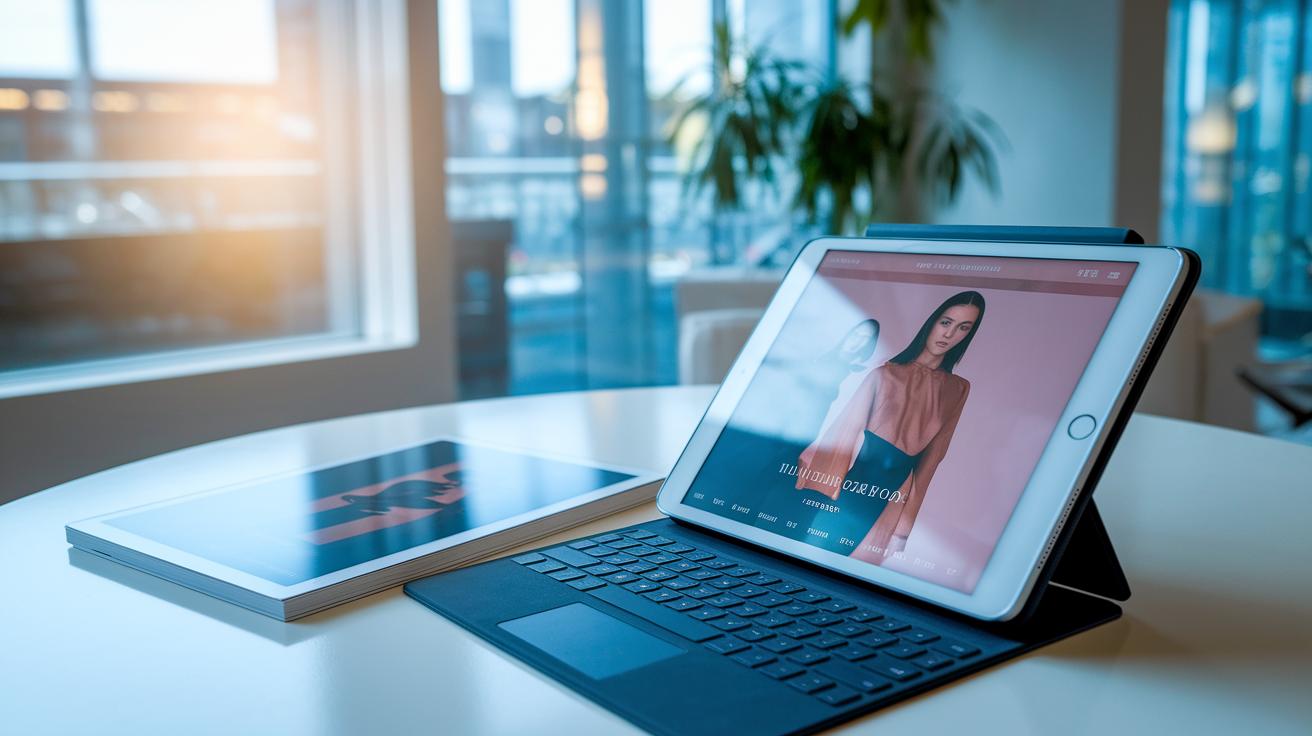
Digital lookbooks work wonders when you share them online. Their responsive designs and clickable shopping links invite quick shopping, while printed versions add a classy touch at events or in stores. Each type brings its own magic, digital’s wide reach or print’s hands-on feel.
Think of a mix like this:
- Website
- Email newsletter
- Showroom QR codes
- PDF downloads
Combining several channels opens a world of engagement. Social media ties can turn casual scrolls into active shopping moments, thanks to shoppable posts and interactive features. Plus, smart SEO strategies help you appear higher in search results, attracting trendseeking visitors. And by focusing on smooth, guest-friendly design, you create an inviting, shoppable vibe that encourages clicks and deeper exploration.
Next, tracking your engagement is key. Watching clicks, page views, and how long people spend on each part of your lookbook lets you fine-tune upcoming releases. Keyword-rich captions and details boost search potential, ensuring every image and link drives traffic back to your site. A solid schedule for updates and seasonal drops keeps your content feeling fresh and inspires repeat visits.
Finally, plan a clear process for channel distribution. Whether you’re using email blasts or showroom QR codes, scheduling posts correctly can ramp up conversions and strengthen your brand’s presence. Over time, your lookbook becomes a must-see for both online followers and in-store visitors, firmly anchoring your brand in every setting.
Inspiring Curated Lookbook Examples and Best Practices
IKEA’s Style Guide 2024 feels like a breath of fresh, modern air. Its pages showcase full-sized images alongside close-up details that tell a clear, unfolding story, as if you’re flipping through a chic, minimalist photo book, feeling the ease of modern simplicity.
COS’s seasonal collections offer a grid-focused look that’s both neat and elegant. Each layout arranges clothes in a stylish montage with a consistent color vibe and crystal-clear imagery. With wide lifestyle shots paired with sharp close-ups, it creates a balanced flow that gently inspires mixing classic and current trends.
Macy’s Own Your Style page turns every click into a fun style adventure. Interactive hotspots invite you to explore each piece, while carefully chosen models give the brand a unique flair. The blend of full-scale views and detailed shots not only shows off fashion beautifully but also sparks ideas for your personal style. For more inspiration, check out our lookbook examples.
Final Words
In the action, we walked through a seven-step guide outlining every stage, from defining purpose to final distribution. We talked about setting a strong theme, choosing the right images, building a balanced layout, and picking smart tools for production. We also peeked at real-life examples that bring inspiration to life.
By mastering how to create a curated lookbook, you can boost your style game and enjoy a creative process that brings your vision to life. Enjoy the experience and have fun with your next lookbook project.
FAQ
How to create a curated lookbook template?
Creating a curated lookbook template involves planning your style focus, gathering high-quality images, and using design tools like Canva to build a layout that tells your visual story.
How to create a curated lookbook PDF?
Building a curated lookbook PDF means designing your layout with clear sections and imagery, then exporting it as a PDF so you can easily share a downloadable, polished view of your style.
How to create a curated lookbook online?
Making a curated lookbook online involves using digital platforms like Canva or Flipsnack to arrange your images in a slick, interactive format that engages viewers on any device.
How to create a lookbook in Canva?
To create a lookbook in Canva, select a pre-made template, customize the layout with your own images and text, and adjust design elements to bring out your unique fashion vibe.
How to create a lookbook for free?
You can craft a lookbook for free by taking advantage of free tools like Canva’s free account, where you can access basic templates and design features to showcase your style.
What are some fashion lookbook examples?
Fashion lookbook examples show cohesive style stories that blend imagery and narrative, offering creative inspiration through well-arranged shots and consistent themes.
What is a fashion lookbook PDF?
A fashion lookbook PDF combines stylish layout designs with high-resolution images in a digital document, providing a ready format for offline sharing and brand presentations.
How to make a fashion lookbook?
Making a fashion lookbook means collecting quality images, organizing them by theme, and using design software to build a visual story that highlights your best style moments.
What is the 3-3-3 rule for outfits?
The 3-3-3 rule for outfits suggests balancing three main pieces, three accent items, and three layers or contrasts to achieve an outfit that is both balanced and dynamic.
How do I make my own lookbook?
Creating your own lookbook involves setting a clear theme, gathering quality lifestyle images, and arranging them with a design tool to create a compelling visual display of your style.
What is the 70 30 rule for wardrobe?
The 70 30 rule for wardrobe means wearing 70% classic staples paired with 30% trendy pieces, creating a mix that keeps your look both timeless and fresh.
Can ChatGPT make a lookbook?
ChatGPT can generate creative ideas, structure content, and offer stylistic advice for a lookbook, but you’ll need a design platform to execute the visual layout.